

Method / Desktop-to-diligence handoff

Desktop property research: turn a flag into a next request

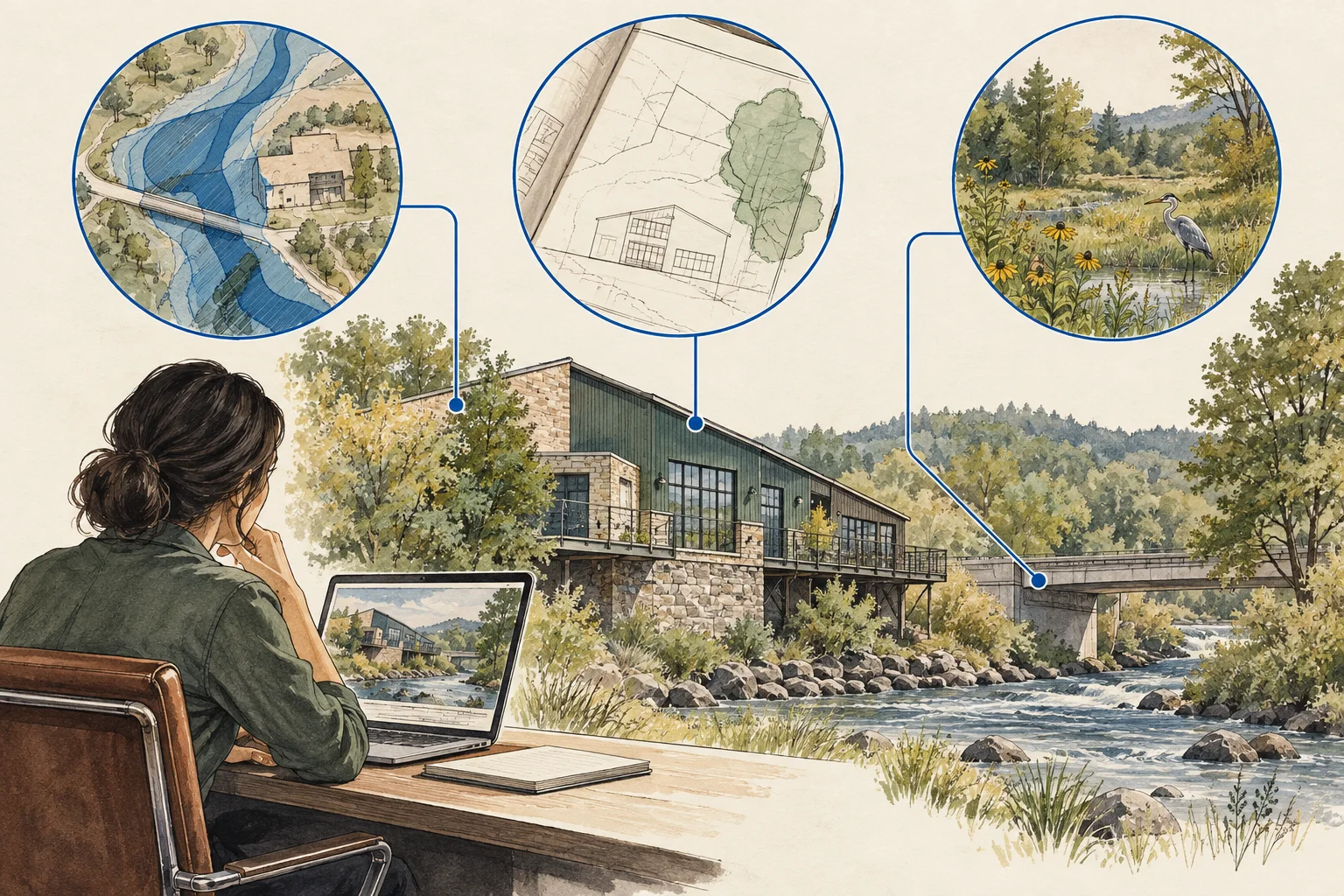
A desktop screen is useful when it changes the next question. Keep the mapped observation, the record match and the decision requiring review in separate fields. A flood-layer intersection, permit entry or environmental search result can justify a request; it does not automatically settle use, cost or feasibility. The working sheet below turns three kinds of screening evidence into a reviewable diligence handoff.

Use the fictional worked example and editable worksheet to apply this method to your own documents.

Conceptual editorial illustration of turn a desktop flag into the right next request.

The useful distinctions

Make the review specific.

01

Check the object that was matched

A map point, polygon and street address may identify different objects. Save the source geometry and join rule. When a flag falls near a boundary, ask whether the relevant feature intersects the parcel, the building or only a search buffer.

Source 1
02

Read the decision chain

The historical Loudoun reference illustrates why staff analysis and a final action must be read together. In your own file, preserve the final decision, its conditions and the referenced plan edition instead of relying on an isolated search result.

Source 1Source 2
03

Give environmental evidence to its reviewer

EPA describes environmental inquiry as a process involving property conditions and professional judgment. A desktop search helps prepare that review; it is not an environmental site assessment. Keep the search scope and the remaining file request together.

Source 1

Observation to next action

What the evidence supports, and what to ask next.

Evidence in the fileWhat it describesNext review
Mapped flagA spatial observation at a stated editionRequest interpretation of the relevant boundary, elevation or site feature.
Permit or planning recordA document describing a particular actionRead status, conditions, versions and applicability to the proposed work.
Environmental search resultA scoped return or absence of resultsAssign the environmental reviewer the underlying record and search limits.
Conceptual editorial illustration of turn a desktop flag into the right next request.

Work through the file

Desktop-to-diligence handoff

Use this sequence with the documents available for your file. Keep a reference with each observation and turn unresolved items into explicit requests.

  1. Save the screen

    Record source, date, layer, search area and the matching property reference. Preserve the screenshot or export as evidence of what was reviewed, including any filters. In the fictional exercise, a feature crosses the parcel edge while the proposed building sits elsewhere. Record both observations instead of turning a parcel-level match into a building-level conclusion. The qualified reviewer still needs the appropriate boundary evidence.

  2. Describe the uncertainty

    Name the unresolved issue: identity mismatch, record status, document version, physical condition or interpretation. The fictional packet contains a staff memo without the final planning action, plus an environmental search covering only selected layers. Those are different gaps. Request the final action for the planning chronology and preserve the environmental search limits for the specialist rather than assigning one generic pass or fail.

  3. Write the request

    Specify the missing document or professional check and the decision it informs. Ask the planning reviewer for the final decision, conditions and referenced plan edition. Give the environmental professional the search log and proposed work. Give the survey or site-design reviewer the disputed geometry. Each request should explain what remains uncertain and which assumption depends on it, so additional documents answer a bounded question.

  4. Carry the issue into the model

    If the unresolved item could change area, timing or cost, keep the assumption labelled and route it to the reviewer. In the fictional model, developable area was entered before the boundary issue was settled. Preserve the original entry as an unaccepted assumption and record the required review. This worksheet neither estimates the impact nor substitutes a plausible value; the underwriting lead accepts any later revision.

Before using the output

Questions about this method.

Does no result mean the site is clear?

No. Record the source, query boundary, dates and unavailable records. An empty search is a search result, not a clearance finding.

Can the same flag matter differently for two projects?

Yes. Keep the proposed activity and footprint in the file so the reviewer can connect the evidence to the actual decision.

What can AI prepare for the reviewer?

Ask AI to connect supplied map references, planning-document dates and environmental search logs into an exception list. Require separate columns for observations, interpretations and missing records. The planning, environmental and boundary reviewers should receive their own questions. AI should not infer a final approval, a clear site or a verified footprint from an incomplete file.

From the page to your next task

Start with the useful output.

Desktop signal-to-underwriting exception register

Build an editable desktop signal-to-underwriting exception register, retain document references and open decisions, then export your team's working file.

Scope: One review file using the method in the accompanying guide. The example is fictional.

Bring
A name for the review file. Evidence status, observations and document references where available.
Leave with
Desktop signal-to-underwriting exception register with editable, expandable records and document locators Two fictional worked rows showing mismatches and decisions to review CSV and readable text exports with row provenance, method sources and edition A separate document-request companion with suggested reviewers

Edition 2026-09-30.1

Evidence and scope

Follow each claim to its source.

Woodland Plaza final action report, item 12

Loudoun County · Checked 2026-09-29

PDF pages 9–10 record the December 6, 2022 Board action. Report dated December 8.

  • Historical vote record. Current approvals, compliance and operations were not checked.
Open original source ↗
Woodland Plaza staff packet and attachments

Loudoun County · Checked 2026-09-29

December 6 agenda packet: staff position p. 1; conditions pp. 6–7; proffers pp. 8–10; plan sheets pp. 17–18. Page numbers are PDF viewer pages.

  • Agenda attachments and conceptual drawings. Executed copies and later amendments were not retrieved. No drawing is redistributed.
Open original source ↗
DEQ Environmental Data Mapper user guide

Virginia DEQ · Checked 2026-09-29

2025 guide: layer selection, filters and nearby searches, PDF pp. 7–14 and 16–17.

  • Documentation review only. No environmental search was performed for the historical case.
Open original source ↗
All Appropriate Inquiries: environmental evidence

US EPA · Checked 2026-09-30

Describes environmental inquiry and the role of qualified environmental professionals. The working kit does not perform AAI or an environmental site assessment.

  • Method or documentation reference; no property-level extraction or market study was performed for this guide.
Open original source ↗