

1. Inspect two worked rows.
The fictional example shows the actual columns, document mismatches and open decisions for this task.
Method / Comparable definitions
Build an editable revenue-unit and period comparison register, with source locators, open decisions and a file your team can review.
One review file using the method in the accompanying guide. The example is fictional.
Start the work product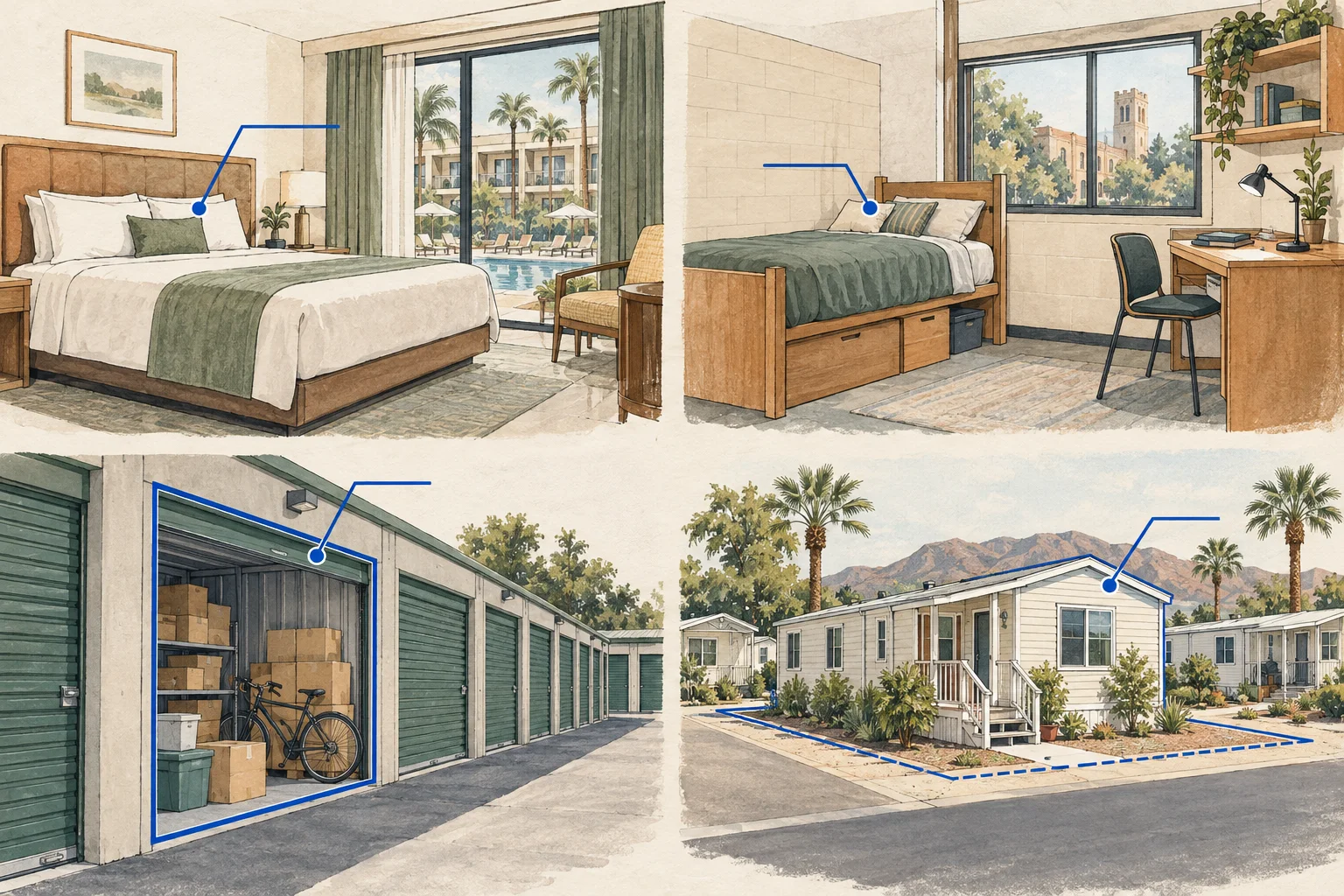
One working file to take back to the team
The fictional example shows the actual columns, document mismatches and open decisions for this task.
Start blank, edit the cells and add as many records as the review needs, up to 200 rows per file.
Download the register as CSV or a readable text file, including source context and edition. The companion below helps organize the next document requests.
Your editable work product
Work through rooms, beds, storage units and park sites with explicit denominators and a downloadable comparison review.
Start with a blank row or load the fictional example.
Your entries remain in this page only. Download or copy before leaving; nothing is automatically saved or fetched.
Add one record or comparison per row. Leave unknown facts blank or name the missing document. Scroll the table horizontally on a small screen. Each cell accepts up to 2,000 characters.
| Row | Metric / asset cohortRecord the metric / asset cohort from the documents or leave it unresolved. A stated premises or cohort is required for arithmetic; do not enter unknown or TBD. | Shared periodUse YYYY-MM, YYYY-MM-DD, or an ordered YYYY-MM-DD/YYYY-MM-DD date range. Use the same stated period for numerator and denominator; unknown periods stay uncalculated. | Observed numeratorEnter a non-negative plain number with no commas, currency sign or formula. Keep the stated unit and population. | Defined denominatorEnter a non-negative plain number with no commas, currency sign or formula. Keep the stated unit and population. | Unit and inclusion ruleState the measurement unit, cohort and inclusion rule used for both values. Blank, unknown or TBD context leaves arithmetic blank; entered wording is not independently verified. | Interpretation limitRecord the interpretation limit from the documents or leave it unresolved. | Document / page locatorEnter the actual file, page, exhibit or source record for this row. Method links below are not property evidence. A stated locator is required for arithmetic; its presence does not verify the document. | Entered numerator / denominator (%) | Remove |
|---|---|---|---|---|---|---|---|---|---|
| 1Your entry | Enter the shared period as YYYY-MM, a valid YYYY-MM-DD date, or an ordered YYYY-MM-DD/YYYY-MM-DD date range. |
Arithmetic uses entered values only. Use the same unit, population and stated period within each row. Blank, unresolved or invalid required inputs stay uncalculated. Entered context is not independently verified. For this row and stated population only. Do not aggregate different metrics, units or periods.
You can export this blank table before filling it in elsewhere. The export includes the kit edition, row provenance and method references. Method references do not verify your property.
If file saving is blocked, copy this into a UTF-8 .csv file.
This table does not upload documents, search records, run an AI model or confirm source facts. The next-request worksheet below is a separate companion; entries are not copied between the two tools.
Companion: document requests
This separate four-item sheet helps organize supporting requests. It does not copy or analyze the entries in your register.
Open, work, export
Work through rooms, beds, storage units and park sites with explicit denominators and a downloadable comparison review.
Method and source context
These references explain the method. They do not verify facts about your property. Your export keeps their scope separate from the document references you enter.
US Energy Information Administration · Checked 2026-09-30
Publishes building counts and floorspace separately for a disclosed survey vintage. It is context for explicit units, not current property income or a local market dataset.
Fannie Mae · Checked 2026-09-29
Program description distinguishes community sites, shared infrastructure and park-owned homes. Used only for that operating-unit distinction.