
20 Skills for CRE
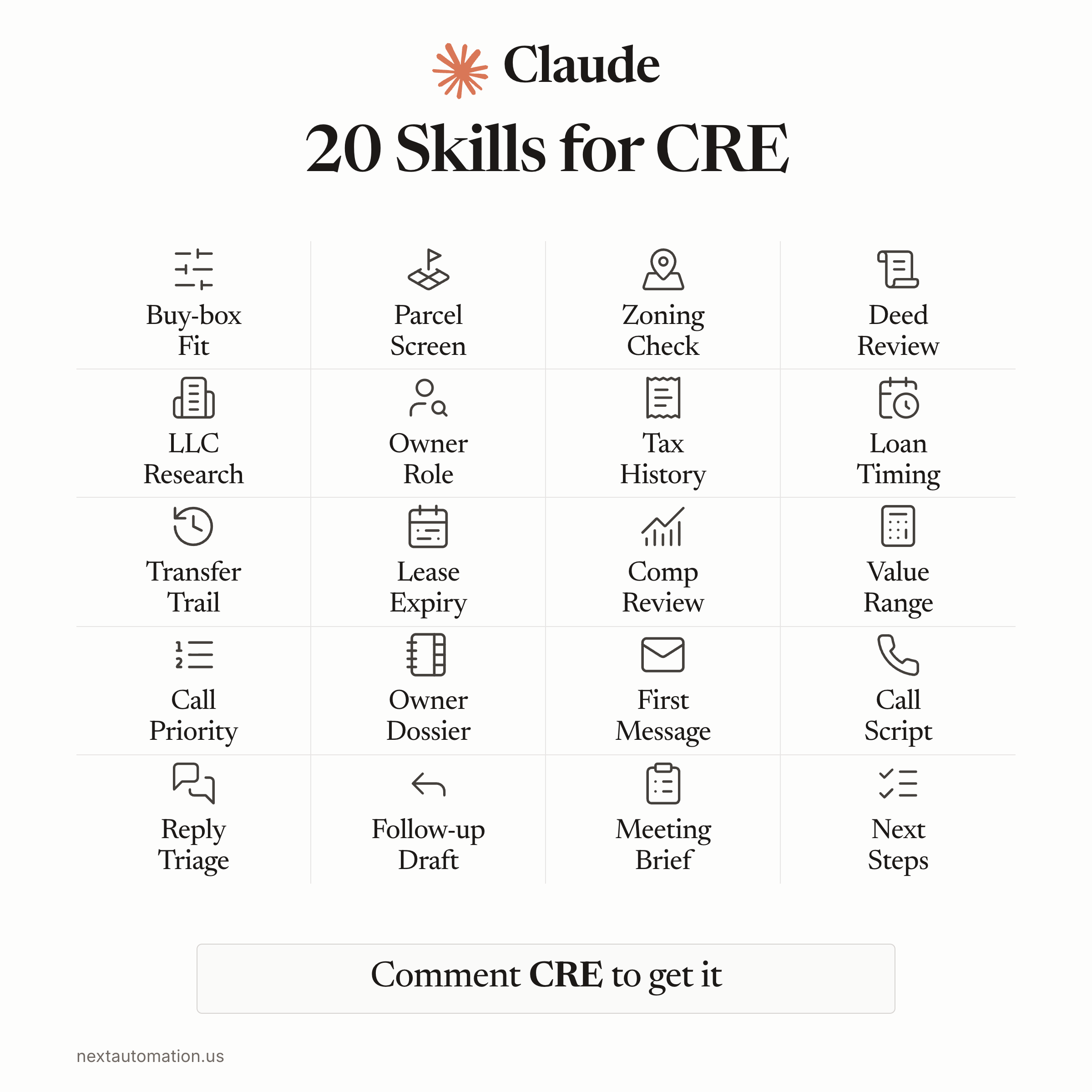
Get 20 Skills for CRE
20 reusable workflows for Claude, plus the quick-start guide.
- Screen properties against your buy box.
- Follow the records and review who to call first.
- Prepare your valuation, message and meeting brief.
See the workflow in action.
Explore the NextAutomation platform, from property research to the next owner conversation.
Inside the pack · 20 skills + the quick-start guide
- Buy-box Fit
- Parcel Screen
- Zoning Check
- Deed Review
- LLC Research
- Owner Role
- Tax History
- Loan Timing
- Transfer Trail
- Lease Expiry
- Comp Review
- Value Range
- Call Priority
- Owner Dossier
- First Message
- Call Script
- Reply Triage
- Follow-up
- Meeting Brief
- Next Steps
Start with one workflow. Add its file to Claude chat or a Project, supply the listed inputs, and use the verification check before your next step.
Questions real estate teams ask
How do I use these skills in Claude?
Open START-HERE, choose a workflow, and copy its instructions into a Claude conversation or add the file to a Claude Project. Supply the inputs listed in the file, then review the result using its verification check.
What is included in the download?
The ZIP contains 20 workflow files and one quick-start guide. Each workflow includes its use case, required inputs, reusable instructions, output format and verification check.
What information do I need to provide?
Bring the records needed for the workflow you choose: your buy box, property records, deeds, company filings, loan or lease details, comps, or a received owner reply. The pack helps you work through that material and identify what is missing.
Do I need to code or install software?
No coding is required. The files are instructions you use in Claude chat or Projects. You choose the workflow and review its output before using it.