


AI Deal Screening for CRE: An Inbound Deal Playbook
Screen inbound CRE deals with a documented buy box, source checks, visible missing information, and a review path for scores, rejections, and overrides.
The short answer
AI deal screening starts with a captured broker package, a source-linked record, and an approved buy box. Check the evidence before applying hard constraints or ranking deals. Keep missing information separate from a verified mismatch, retain a review path for rejected records, and give each remaining deal a clear next action.
This is a proposed implementation pattern for an acquisition team. The exact intake channel, fields, rules, and pipeline integration depend on how the team works. A pilot should establish whether the process helps before it is applied across the deal inbox.
Step 1: capture the package and its history
Use an agreed intake address or another channel the team can monitor. Save the original email, attachments, sender, receipt time, and any later revisions. Create a deal record with a stable reference so a corrected rent roll does not become an unrelated opportunity.
Extract the stated property, asset type, location, size, asking terms, and available financial fields. Retain the source location for material values and identify the reporting period. A reviewer should be able to open the record behind a score without searching the original inbox.
The T-12 and rent-roll extraction guide covers the source checks before data moves into a model. Capture creates a workable record; it does not approve the figures.
Step 2: show what is missing and what conflicts
Configure a checklist for the actual mandate and stage. An early broker introduction may reasonably contain less information than a deal being prepared for committee. Mark required documents as received, missing, unreadable, outdated, or conflicting rather than treating every populated field as complete.
Completeness and accuracy need separate checks. A rent total can be present and still refer to the wrong month. A property address can be valid and belong to a different asset in the same portfolio. Reconcile material populated values as well as reviewing the gaps.
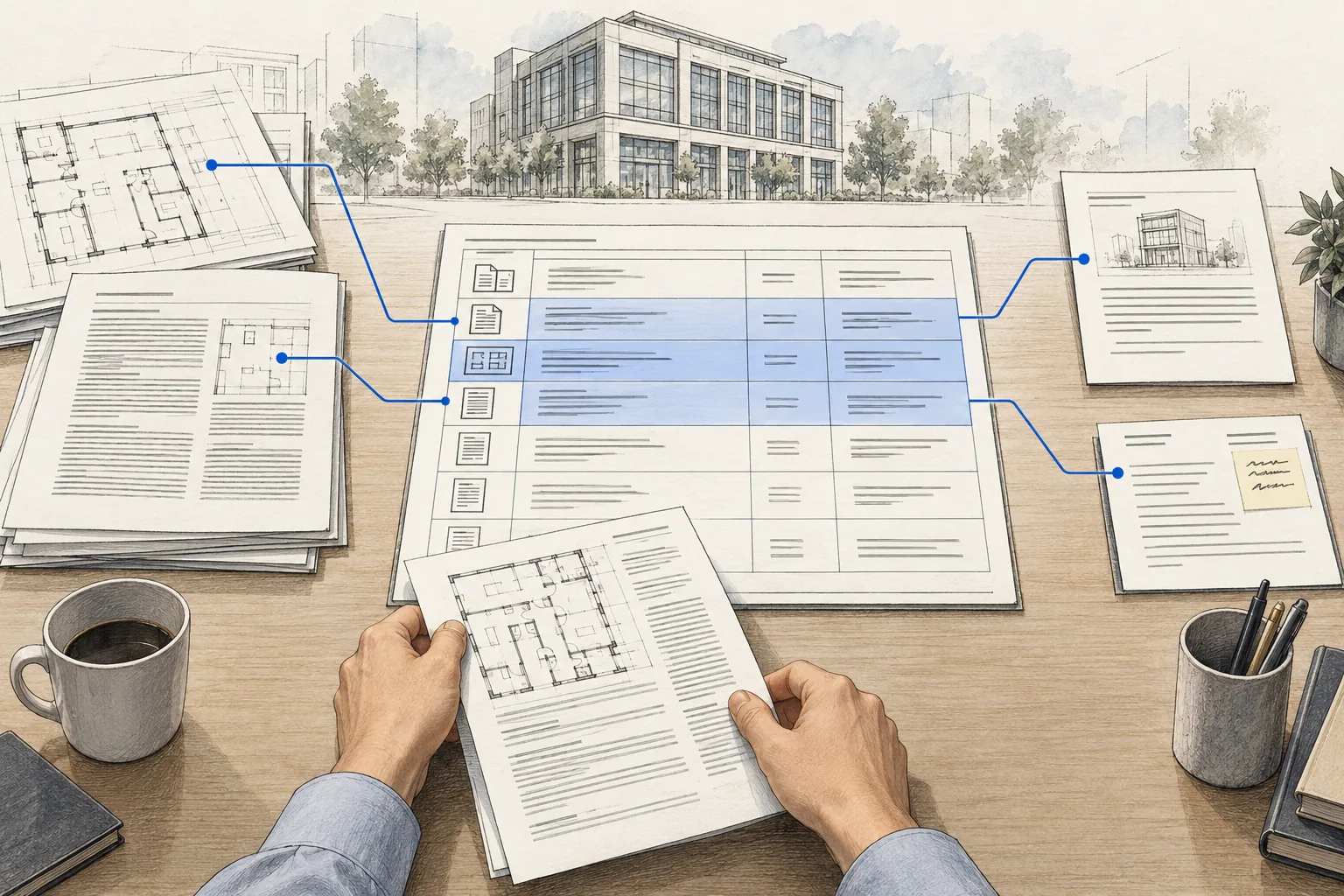
Step 3: separate mandate mismatches from unknowns
Define hard constraints before running the screen. Examples include an excluded geography or an asset type the mandate does not cover. Apply the rule only when the supporting fact is sufficiently verified. Missing evidence should create a review task rather than a silent rejection.
| Screening outcome | Evidence required | Next action |
|---|---|---|
| Verified mandate mismatch | Source-backed property fact and the approved rule it fails | Record the reason and rule version; retain a review and override path. |
| Insufficient evidence | Missing, conflicting, or ambiguous input | Assign the request or verification to a person and hold the affected judgment open. |
| Ready for analyst review | Reviewed minimum inputs and an explainable score | Show the ranking, outstanding questions, owner, and next step. |
Preserve rejected records so the team can audit false negatives. If a source changes or an analyst overrides a rule, record the reason and rerun the affected checks. An automation should not make a potentially suitable opportunity disappear because it misread a field.
Step 4: make the ranking explainable
A value-add multifamily mandate and a stabilized industrial mandate can weight the same information differently. Record the criteria, weights, required inputs, and missing-data treatment with a policy version. Show the contribution of each criterion rather than presenting an unexplained score as a probability of investment success.
An analyst reviews the source record and the draft screening summary. The summary should say why the deal fits, where it misses, what remains unknown, and what must happen next. The acquisition team owns the pursue-or-pass decision.
A proposal to use AI does not require an immediate custom build. Dealpath's current AI page advertises deal screening and document extraction, while separately listing forthcoming scoring agents. Compare the functionality available now with the workflow your team needs, and verify it in a pilot.
Step 5: verify the pipeline handoff
Choose where the record belongs in the team's existing process, then test that integration. Confirm that attachments, source links, missing-document statuses, scores, and reviewer notes survive the transfer. Assign a person and next action for each record that requires follow-up.
A deal appearing in a pipeline does not establish that the owner saw it or that a requested document was obtained. Test routing, visibility, reminders, and the treatment of duplicate emails or revised attachments. Include the operational steps your team will actually have to change.
Run the pilot against known decisions
Use redacted historical packages that the team has already reviewed. Include a mandate mismatch, a promising deal with missing documents, and a deal with an extraction error that would change its rank. Compare the proposed outputs with the accepted record.
- Count incorrect rejections and suitable deals that the screen failed to surface.
- Record corrections to extracted figures and the effort needed to resolve them.
- Check that reviewers can explain the score from the recorded policy and inputs.
- Confirm that an override preserves the original reason and the reviewer's explanation.
- Follow the next action through to the assigned person's actual workflow.
For the work after screening, the CRE underwriting tools guide compares document-to-model options. The underwriting model-builder instruction pack can support a controlled downstream trial with reviewed inputs.
What belongs in a commercial loan underwriting checklist?
Start with the evidence needed for the decision: a dated rent roll, financial statements for the required period, proposed debt terms and a record of missing or conflicting inputs. Receipt is not validation, and a complete package is not a credit approval.
| Requested item | Fictional package status | Next action |
|---|---|---|
| Current rent roll | Received: September file; duplicate unit identifiers | Reconcile duplicates and confirm the reporting date before accepting totals. |
| Trailing operating statement | Missing: final month of the requested period | Request the missing month; do not annualize silently. |
| Proposed debt terms | Received: unsigned indicative terms | Label the financing assumption provisional and record its source. |
| Income reconciliation | Validated against supplied totals; one concession unresolved | Carry the concession as an open exception with an assigned reviewer. |
Use a register with one row per requested document: request date, received version, reporting period, validation result, reviewer and next request. Screening decides what should proceed to deeper review. Underwriting then tests accepted figures, financing assumptions and scenarios; those are separate outputs.
The NextAutomation screening case study shows the intake handoff. Continue with the underwriting workflow once the file is ready for model review.
Put the review into practice
The AI Acquisition Infrastructure pack carries a sourcing record into the review queue. When a screen depends on lease income, use the lease audit checklist to verify the term and period behind the figure.
Frequently asked questions
Where should missing deal documents appear?
On the deal record, with the required document or field, reporting period, person responsible, and next action. Distinguish missing, unreadable, conflicting, and superseded sources. A visible status helps the team follow up; it does not prove that the remaining figures are accurate.
Should AI automatically reject deals outside the buy box?
A system can flag a verified mismatch against an approved mandate rule. Preserve the source, rule version, and reason, and provide a review or override path. If the source is missing, ambiguous, or low confidence, route the deal for review instead of silently rejecting it.
How should deal scores be configured?
Define the mandate, hard constraints, scoring criteria, weights, and treatment of missing evidence before the pilot. Show which values contributed to the score. Validate the ranking with the acquisition team and record changes so the same deal can be explained under the policy used at the time.
How do I know whether the screening workflow helps?
Compare it with a reviewed set of historical deals. Measure missed opportunities, incorrect rejections, data corrections, review time, and whether the next action reaches its owner. A fast score or a populated pipeline is not enough to establish a useful screening process.
Scope the intake-to-underwriting handoff
Bring representative broker packages and your current buy box to our underwriting implementation service. We can define the evidence, review, and pipeline requirements before choosing how much of the screening process to automate.
Related Articles

Phase 1 ESA Checklist: How to Review a Phase I Report Before You Close
Use this Phase 1 ESA review checklist to track report dates, open findings and document references before closing, with an illustrative closing review register.
How to Build a Submarket Intelligence Report With AI
Build a CRE submarket report with dated sources, comparable definitions, a clear supply pipeline, and hypotheses your investment committee can test.
How to Find Off-Market Real Estate Deals With AI
Build an off-market CRE sourcing workflow with verified property signals, careful LLC research, buy-box screening, and a clear path to owner conversations.